05 Bringing
Works to Life
This was the week where my work finally felt like it was coming to life. After months of building individual tools and coding in private, I finally had the first refined prototype of Atmost that I could show to others. Though it was a busy week of writing ethics forms, coding, and planning for User Testing, finally seeing people interact with it and hearing their positive comments was much more rewarding than I anticipated. It really motivated me to keep pushing now that I can see how my work is seeing the light.
Week-five
09~ 15, Feb, 2026Journal-by
Choi YerinKeywords
- Make/Find
- Atmost
- Sensory-Layering
- User-Evaluation
- Validations
Curating Resources
Although this week, I wanted to conduct user testing from the beginning, I first continued developing the Atmost site, since I also wanted to get it tested as the third prototype with a more refined user experience. I focused on making the industry resources like tools or referential platforms more accessible with filters.
Resources Page
I developed the Resources page using a three-card carousel for Tools, Literature, and the Glossary. I used z-index and opacity transitions so users can navigate it in a more dynamic way, similar to the wishing garden carousel I built in my very first experiment on semester 1, week 3. It was an interesting way to use similar interaction types but composing it in a different mood to stage totally different atmospheres.
> Resources Page Overview
I also added subtle grid line animations for the hover states on arrows and Enter. It was inspired by the Organo website, which has a very sci-fi and immersive feel. Since I used line designs in other parts of the site, this helped everything feel cohesive keeping the visual and behavioral harmony.
References
Curating Tools & Libraries
I first worked on the tools & guidelines page, since I really liked the idea of curating existing resources. I wanted to provide a "shortcut library" for designers who want to build interactive experiences but don't know where to start, like me before starting this research. I built a filter system for the the page to make it more practical for designers. I organized it into two main categories or Make and Find.
> Tools & Guidelines Page
Make: Introduce tools like GSAP, Spline, and Framer for designers to "make" cohesive interactive experiences.
(It Includes sub-filters: No-code, Low-code, and Code-Libraries.)
Find: Introduce tools like Mobbin, 60FPS.design, HIG by Apple, and Codepen, for designers to "find" inspirations, guidelines, and references for their work.
(It includes sub-filters: Inspirations, Tutorials, and Code Examples.)
Sensory Layering (Sound)
I started Integrating sounds to create a more immersive atmosphere. I experimented with sound effects from Epidemic Sound for hovering, clicking, and loading states. I’m planning to add more for the keyboard interactions later. Using these sci-fi and technical sounds really reinforced the brand identity. It made the digital actions feel more kinetic and engaging, while working as a signifier for each action.
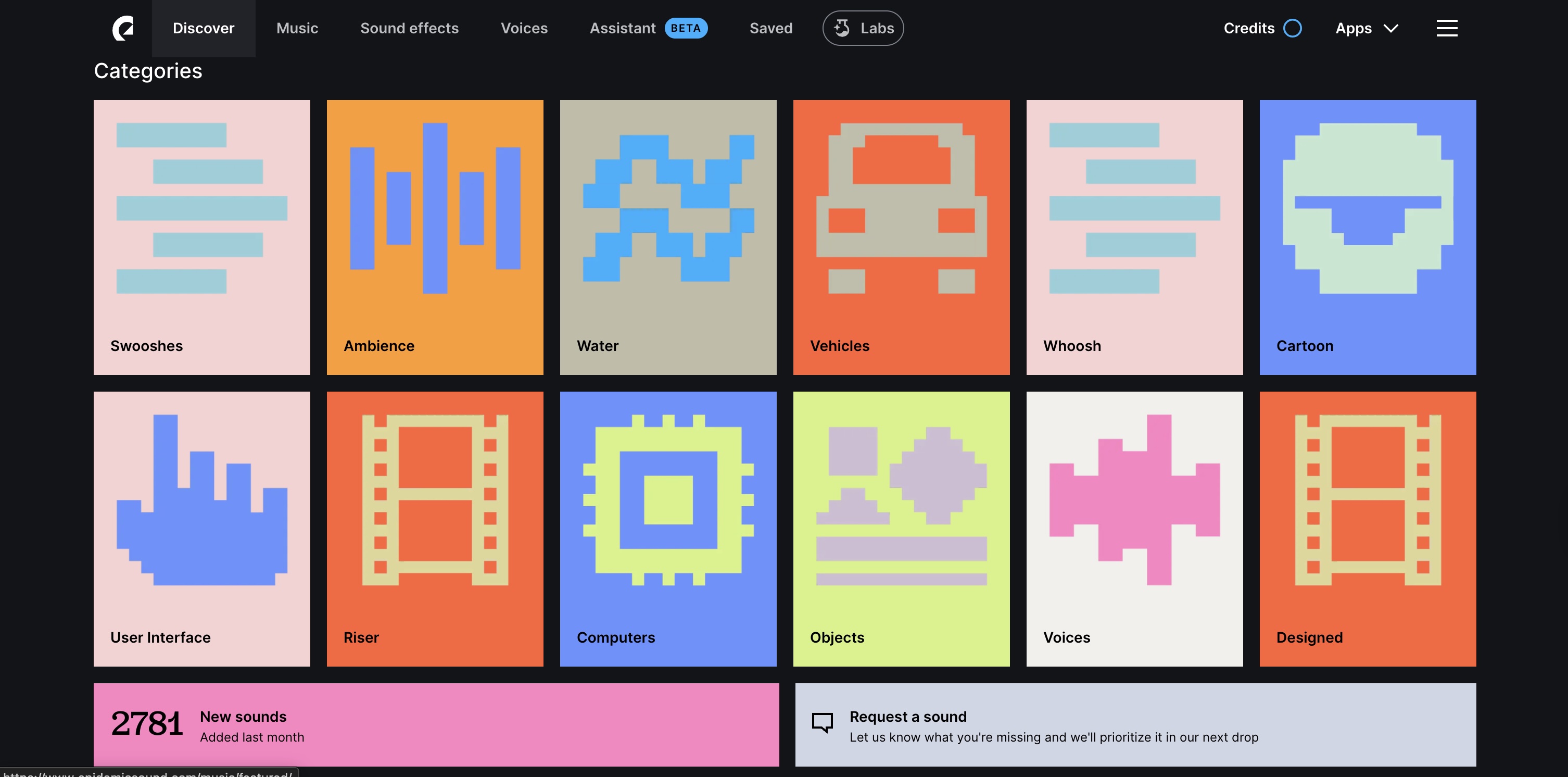
> Epidemic Sound Screenshot
Epidemic Sound provides a vast library of high-quality sound effects and music tracks that can enhance the user experience. Although I had to do simple edits to extract the sound or to fit my contents, it was a really useful platform for me to explore and find the right audio elements for my project. By incorporating these audio elements, I could create a more immersive and engaging environment for users.
Integrating Sound into Code
At first, I actually did not know how to use sounds for it but Claude helped me understand how to implement audio elements effectively. and I could effectively implement sound without having to code for respective sounds every time.
01 Sound Providers
Instead of loading audio files in every component, I created a SoundProvider. This acts as a central hub where I can manage global states, like whether the sound is enabled, and pre-initialize all the audio instances from Epidemic Sound.
02 The Logic
I used useRef to store the audio instances so they persist without causing unnecessary re-renders, and useEffect to handle the initial setup and volume control.
03 On / Off
On the nav bar, I also added another function to toggle the sound on and off, allowing users to control their audio experience more easily. This will allow users to have a more personalized experience if they want to focus or reduce distractions.
if (!isSoundEnabled) return;
const audio = audioInstances.current[soundType];
if (audio) {
// Reset to start for instant feedback on rapid interactions
audio.currentTime = 0;
audio.play().catch(err => console.log(err));
}
};
Code Snippet: The playSound logic within the React Context, designed to trigger instant, low-latency audio feedback.
User Evaluation
This week I also focused on planning and starting my user testing. I finished and submitted the ethics forms and consent documents so I could officially begin.
Before preparing for the test, I have clarified the objectives and goals I want to achieve through user testing in order to make the right and effective questions throughout the sessions.
Testing Objectives
Educational Value: I would like to see if users actually understand how specific parameters affect the "felt" atmosphere.
Practicality: I would like to know if designers find the Atmost platform and the tools I've curated actually useful for their work.
Usability: I need to check if users can manipulate the parameters and navigate the site intuitively.
Participants: I would be testing with a focus group of 6-8 design students who have designed and developed websites, having basic UI/UX and coding knowledge.
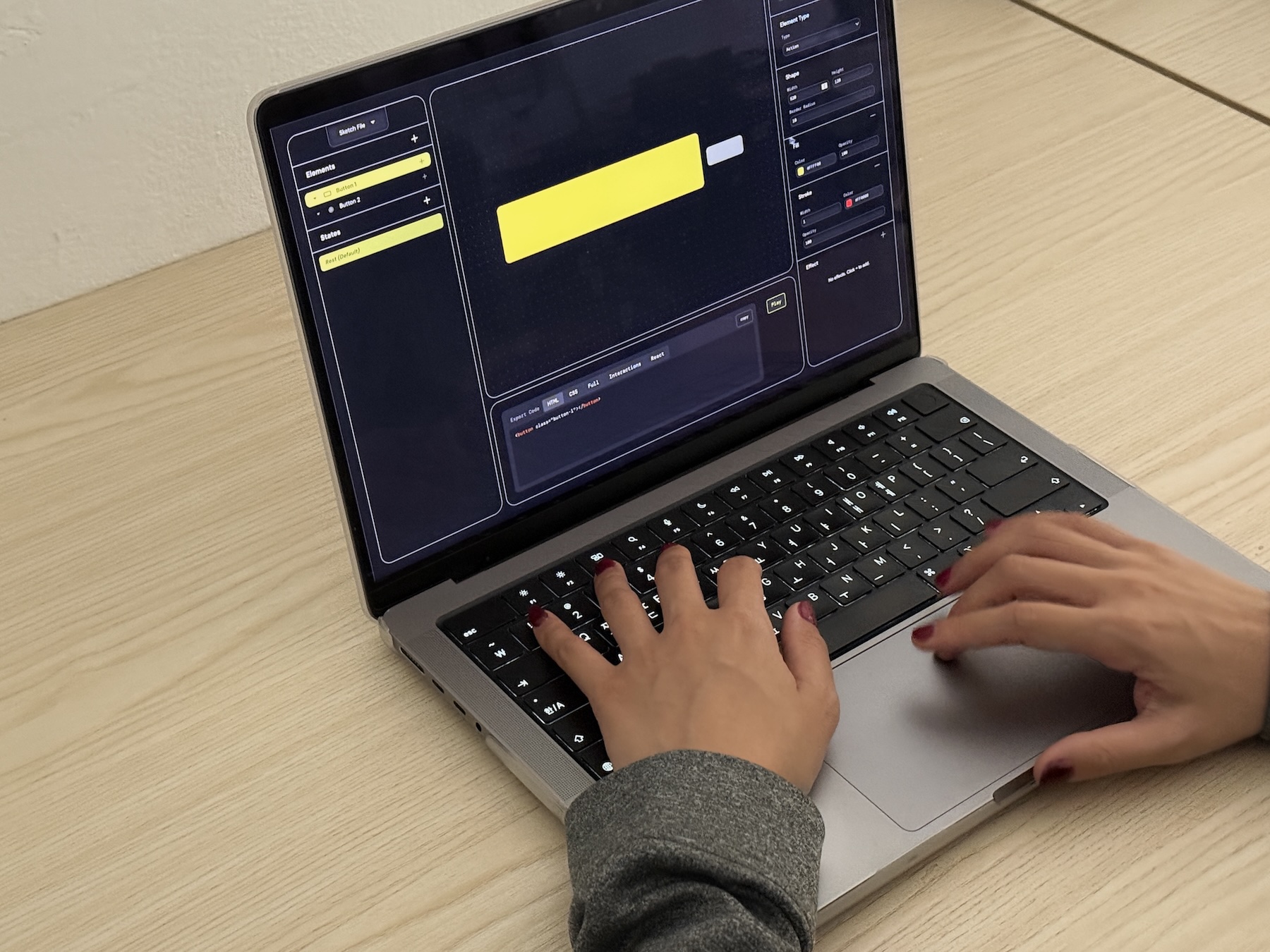
User Evaluation Session
I’ve already completed three sessions with friends who are also designers. Though I would have to look through the answers and analyze the feedback next week, since I still have more sessions to go, it was much more insightful than I expected.
Reflections
It was really rewarding to see other designers actually using the tools and the Atmost site. The comments were more positive than I anticipated, and it gave me a lot of motivation to keep going. It’s one thing to think an idea is good, but it’s another thing to see it actually coming to life through someone else’s eyes. I feel grateful for the feedback because it showed me exactly what I need to refine for the final version.
Next Steps
Since the dissertation is due in a few weeks, I want to focus on writing, documenting the process and outcomes I have made so far, and reflecting to plan for the further research. Since I still have to finish more user evaluations and write about them, the next step is to conduct more sessions, analyze the feedback and discussions from the user testing sessions, and write them into dissertation. Also hopefully I will incorporate the feedbacks into the final refinements of the Atmost.